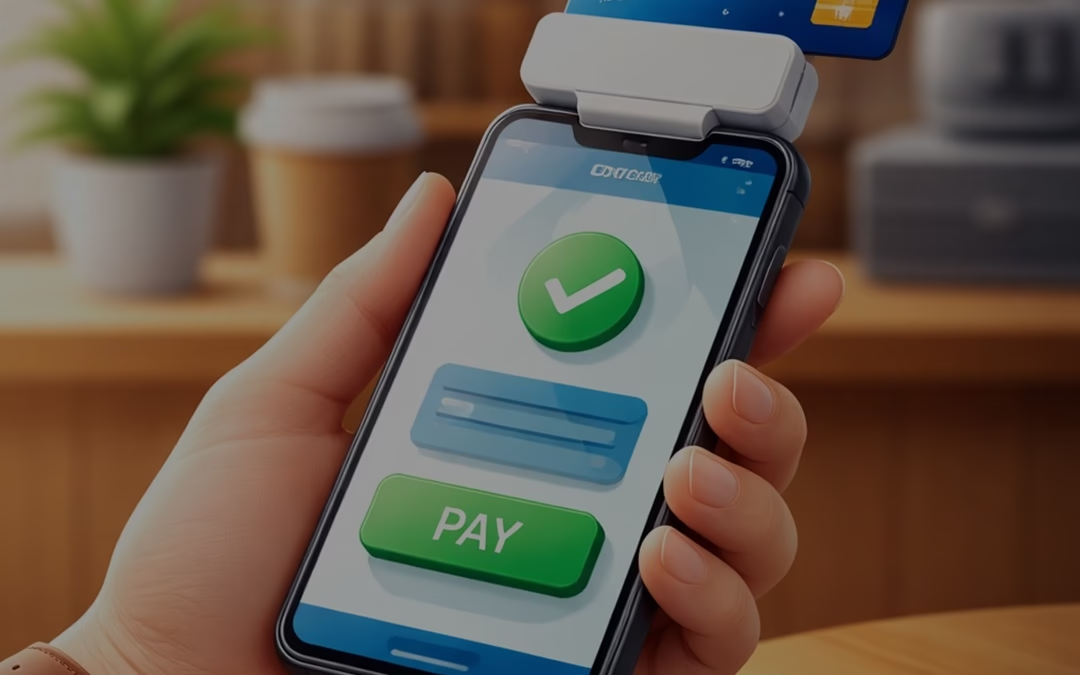
How to Accept Credit Card Payments Using Your Phone

How to Accept Credit Card Payments Using Your Phone

When it comes to mobile payments, customers expect convenience as the status quo. In fact, in 2025, offering customers the ability to use their preferred payment method is cited as one of the top drivers of purchase decisions across channels, highlighting just how important flexibility has become in modern commerce. 

For many small businesses, freelancers, and on-the-go professionals, investing in a full-scale POS system isn’t always practical. Limited space, budget constraints, or mobility needs can make traditional setups challenging. The good news? Your smartphone can now double as a powerful payment tool.

In this guide, we’ll walk you through how to accept Credit Card Payments on your phone, explore different mobile payment methods, and highlight the benefits and best practices to help you get started quickly and securely.

Can I Use My Phone to Accept Credit Card Payments?

Yes, absolutely.

Today’s smartphones can function as mini payment terminals in two main ways:

  • Tap to Pay (NFC technology): Accept contactless payments directly on your phone.
  • Mobile card readers: Connect a small device to accept chip or swipe payments.

With the right mobile payment app, you can process transactions anywhere, whether you’re at a client site, running a pop-up shop, or managing deliveries.

How to Accept Credit Card Payments on Your Phone 

Getting started is easier than you might imagine. Follow these steps:

1. Get a Merchant Account

To accept card payments, you need a merchant account. It acts as the bridge between your business, your customer’s bank, and your own bank account.

You can choose between:

  • Payment Service Providers (PSPs): Quick setup, shared accounts (ideal for beginners).
  • Dedicated merchant accounts: More control, better pricing, and enhanced stability for growing businesses.

Look for a provider that offers:

  • Strong security features
  • Mobile payment support
  • Chargeback protection
  • Reliable customer support

2. Choose How You’ll Accept Payments

There are several ways to accept credit card transactions on your phone. Pick the option that best suits your company plan:

Mobile Card Readers

These devices connect to your phone via Bluetooth or cable and allow you to accept:

  • Chip cards
  • Swipe cards
  • Contactless payments

They often come with POS Apps that help manage inventory, send receipts, and track sales.

Virtual Terminals

A virtual terminal lets you manually enter card details, perfect for:

  • Phone orders
  • Remote payments
  • Service-based businesses

This is especially useful when the customer’s card isn’t physically present.

Mobile POS (mPOS)

mPOS devices are all-in-one handheld systems that:

  • Accept payments
  • Store transaction data
  • Generate receipts

They don’t require a separate smartphone, making them a compact alternative to traditional POS systems.

Tap to Pay

Tap to Pay allows your smartphone to accept contactless transactions using built-in NFC technology.

No extra hardware required, just your phone and an app.

It supports:

  • Contactless cards
  • Mobile wallets
  • Wearable devices

QR Code Payments

QR codes offer a simple, contactless payment option.

Here’s how it works:

  1. Customer scans the QR code
  2. Redirects to a payment page
  3. Completes payment via card or wallet

This method is widely used in retail, Restaurants,, and service industries.

3. Set Up Your Hardware and Software

Once your merchant account is approved:

  • Download your provider’s mobile payment app
  • Connect your card reader (if using one)
  • Configure your payment settings
  • Test a transaction

Some apps also allow you to:

  • Send digital receipts
  • Track sales in real time
  • Manage products and services

Setup is usually quick, and many providers offer onboarding support to help you get started.

What Do You Need to Accept Payments on Your Phone?

Before you begin, make sure you have the following essentials:

A Smartphone

Any modern iOS or Android device works. Most newer phones support NFC for contactless transactions.

A Payment Processor or Merchant Account

This service:

  • Authorizes transactions
  • Transfers funds securely
  • Handles payment processing

A Mobile Payment App

This is what turns your phone into a Payment Terminal.

Features may include:

  • Tap to Pay
  • Virtual terminal
  • Invoicing tools
  • Payment links

A Mobile Card Reader (Optional)

While not required, it adds flexibility by allowing chip and swipe transactions.

Benefits of Accepting Credit Card Payments by Phone

Switching to mobile transactions comes with several advantages:

Convenience for Customers

Customers can pay instantly, with no need for cash or delays. Whether it’s tableside billing or doorstep delivery, payments become seamless.

Flexibility for Businesses

Mobile payments are perfect for:

  • Freelancers
  • Contractors
  • Delivery services
  • Event vendors

You can accept transactions anywhere with network access.

Better Tracking and Reporting

Mobile payment systems automatically record:

  • Transactions
  • Refunds
  • Customer data

This makes accounting and performance tracking much easier.

Enhanced Security

Modern payment apps include:

  • Encryption technology
  • Tokenization
  • Secure authentication

This ensures sensitive card data is protected during every transaction.

Best Practices for Mobile Credit Card Payments

To keep your payment process smooth and secure:

  • Use a trusted, PCI-compliant payment provider
  • Keep your app and phone updated
  • Enable screen locks and security features
  • Avoid using public Wi-Fi for transactions
  • Regularly monitor transactions for suspicious activity

Why Choose SelectivePay?

Selective Pay stands out as a trusted payment solutions provider, offering businesses seamless, secure, and cost-effective ways to accept payments. With advanced mobile payment technology, flexible integration options, and dedicated customer support, it helps streamline transactions and improve cash flow. Its focus on security, transparency, and scalability makes Selective Pay an ideal partner for businesses looking to grow efficiently.

Final Thoughts

Accepting Credit Card Payments on your phone is no longer a luxury; it’s a necessity in today’s fast-moving, digital-first economy. With just a smartphone, a payment app, and (optionally) a card reader, you can turn any location into a checkout counter. Whether you’re running a small business, freelancing, or scaling operations, Mobile Transactions offer the flexibility and convenience modern customers expect. The first step is choosing the right payment provider. Once you’re set up, you’ll be ready to accept payments anytime, anywhere, and grow your business with ease.
Best Credit Card Processing Solutions Built for Liquor Stores

Best Credit Card Processing Solutions Built for Liquor Stores

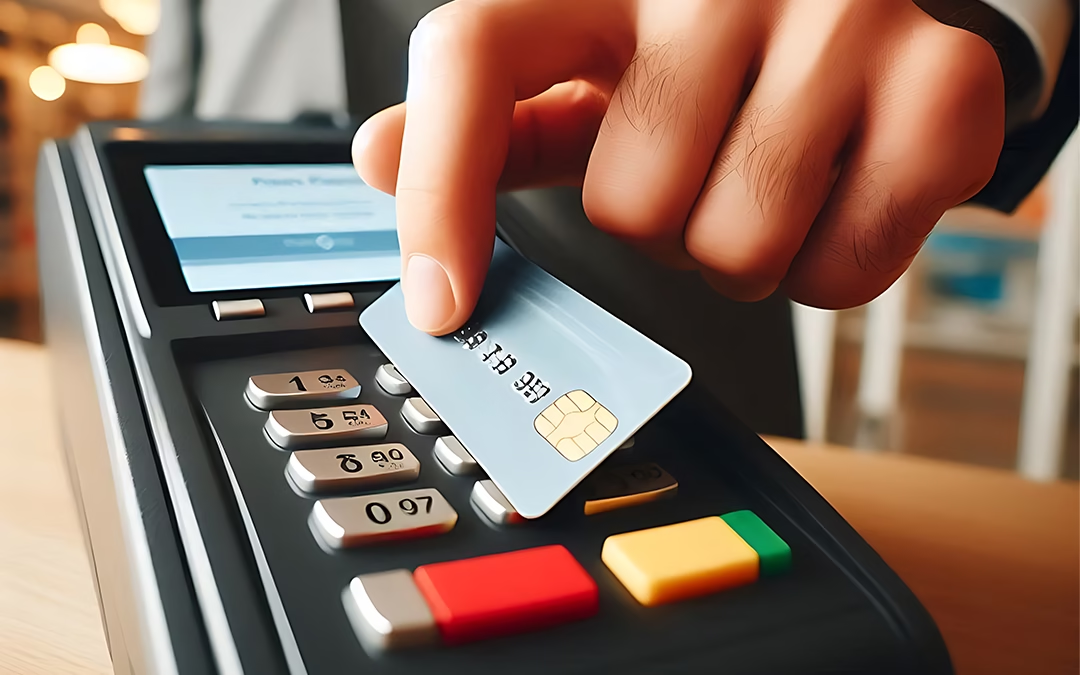
In today’s retail environment, liquor stores operate in a highly competitive and regulated space. Customers expect convenience and fast service, and one of the biggest enablers of both is a robust credit card processing system. Choosing the Right Payment Solution is not just about swiping cards; it’s about improving customer experience, reducing costs, increasing security, and complying with industry regulations. In this blog, we’ll explore why Wine Liquor Stores need specialized payment processing, what features to look for, and the best solutions available in the market.

Why Liquor Stores Need Tailored Credit Card Processing

Liquor stores are unique from other retail segments due to age restrictions, regulatory compliance, varying purchase sizes, and frequent high-value transactions. If your credit card processor doesn’t account for these specifics, you may run into problems like slow checkouts, higher transaction fees, or security risks.

Here are a few key reasons liquor stores should invest in tailored payment solutions:

  • Regulatory Compliance: Alcohol sales come with strict age-verification and reporting requirements. A reliable payment system can integrate ID scanning and age checks to avoid violations.
  • High Average Ticket Size: Customers often buy multiple bottles or premium products, leading to larger transaction amounts. Not all processors handle these smoothly or cost-effectively.
  • Fraud Prevention: It can be targets for card-related fraud due to frequent high-value swipes. Effective processors embed fraud-detection tools.
  • Speed and Reliability: During peak hours and weekends, long lines can hurt sales. A fast, seamless processing experience keeps traffic moving.

Given these needs, it’s clear that generic credit card solutions might not be enough. Let’s break down the top features to consider.

Must-Have Features in Credit Card Processing for Liquor Stores

Choosing a payment solution can be overwhelming, so start with the essentials:

1. Age Verification & Regulatory Tools

The ability to check customer age quickly is critical. Some processors offer integrated ID scanning or POS (Point-of-Sale) System features that automatically flag invalid ages before processing a sale.

2. Low Transaction Fees

Liquor stores often have many daily transactions with moderately high ticket values. Even small fee differences can add up significantly over time, so choose processors with competitive rates or customizable plans.

3. Security & Fraud Prevention

Robust encryption, tokenization (replacing card numbers with secure tokens), and real-time fraud monitoring protect both your business and customers from data breaches and chargebacks.

4. Flexible Payment Options

Customers expect more than just debit or credit. Look for solutions that support mobile wallets, contactless payments, EMV chip cards, and even QR-based payments where possible.

5. Integration with POS and Inventory Systems

The best payment solutions for liquor stores sync with your point-of-sale and inventory systems, enabling automatic updates, accurate reporting, and easy reconciliation.

6. Reliable Customer Support

When payments go down, sales stop. Processors with 24/7 support and fast response times can save you hours of downtime and lost revenue.

Top Credit Card Processing Solutions for Liquor Stores

Below are some of the best Payment Processing Solutions that fit the unique needs of liquor retailers:

1. Square

Square is one of the most popular and versatile payment solutions for small to medium-sized liquor stores.

Pros:

  • Easy setup and transparent pricing
  • No monthly fee for basic plans
  • Integrated POS and inventory management tools
  • Supports EMV, contactless payments, and invoicing

Cons:

  • Transaction fees can be higher for high-volume stores
  • Limited advanced reporting unless you upgrade

Who It’s Best For:
Small to medium liquor stores that want a straightforward, all-in-one solution with minimal setup.

2. Clover

Clover’s ecosystem combines flexible hardware with powerful software, making it a strong choice for liquor stores with higher daily transactions.

Pros:

  • Customizable POS systems
  • Advanced reporting and loyalty tools
  • Secure processing with EMV support
  • Works well with age-verification apps

Cons:

  • Monthly fees can be higher
  • Requires hardware investment

Who It’s Best For:
Growing liquor stores that want a customizable and scalable payment platform with rich features.

3. Toast POS

Though originally designed for restaurants, Toast can be adapted for liquor stores that also serve tastings or paired food services.

Pros:

  • Great for hybrid liquor + tasting room models
  • Excellent inventory tracking
  • Customer loyalty tools
  • Integrated hardware options

Cons:

  • More expensive than basic processors
  • Not focused solely on retail liquor

Who It’s Best For:
Liquor stores that operate tasting rooms or want advanced customer engagement tools.

4. Helcim

Helcim is known for transparent pricing and strong support. It’s a solid choice for stores that want flexibility without surprise fees.

Pros:

  • Interchange-plus pricing (fair and transparent)
  • No long-term contracts
  • Good support and onboarding
  • Works with popular POS systems

Cons:

  • Not as widely known, so fewer plug-and-play integrations

Who It’s Best For:
Independent liquor stores are looking for fair pricing and flexible contract terms.

5. Shopify POS

Ideal for liquor stores with an e-commerce presence.

Pros:

  • Unified online and offline payments
  • Strong inventory and customer analytics
  • Supports multiple payment methods

Cons:

  • Best features require subscription upgrades

Who It’s Best For:
Stores selling both in-store and online who want a seamless omnichannel experience.

How to Choose the Right Processor

To choose the best system for your liquor store, follow these steps:

  1. Assess Your Volume & Budget: Know your average monthly sales and what you can comfortably spend.
  2. Check Integration Needs: Make sure the processor works with your current POS, inventory, and loyalty systems.
  3. Compare Fees and Contracts: Look at transaction fees, monthly costs, and contract terms.
  4. Test Customer Support: Reach out to support before signing up to gauge response time and helpfulness.
  5. Think Long-Term: Choose a solution that scales with your business, not just what’s cheapest today.

Why Choose Selective Pay?

Choose Selective Pay for your liquor store because it’s purpose-built for high-risk and regulated industries like alcohol retail. With competitive processing rates, advanced fraud protection, seamless POS integration, and reliable compliance support, Selective Pay ensures secure, fast, and uninterrupted transactions, helping them boost efficiency, protect revenue, and deliver a smooth checkout experience every time.

Final Thoughts

Liquor stores operate in a specialized retail environment where speed, security, and compliance matter more than ever. Investing in the right credit card processing solution not only improves checkout experience but also protects your business and enhances customer satisfaction. Whether you’re a small local shop or a multi-location retailer, the right payment system can be a game-changer, boosting revenue, reducing costs, and ensuring smooth day-to-day operations.