Payment technology, pricing and support aligned with your business.

Clover POS Systems

Clover POS configured around the way your business runs.

Selective Pay helps restaurants, retail stores and service businesses evaluate Clover hardware, software, payment acceptance and operating workflows—then coordinates the configuration, onboarding and support around the setup you actually need.

  • Countertop & handheld options
  • Contactless & mobile payments
  • Configuration and ongoing support
COUNTERTOP POSClover Station Duo 2 countertop point-of-sale system with customer-facing display
Clover Station Duo 2Countertop + customer-facing display

Choose the Right Hardware

A Clover setup should fit the counter, staff and customer experience.

Different businesses need different combinations of countertop, customer-facing and mobile devices. We help compare the practical fit before hardware is ordered.

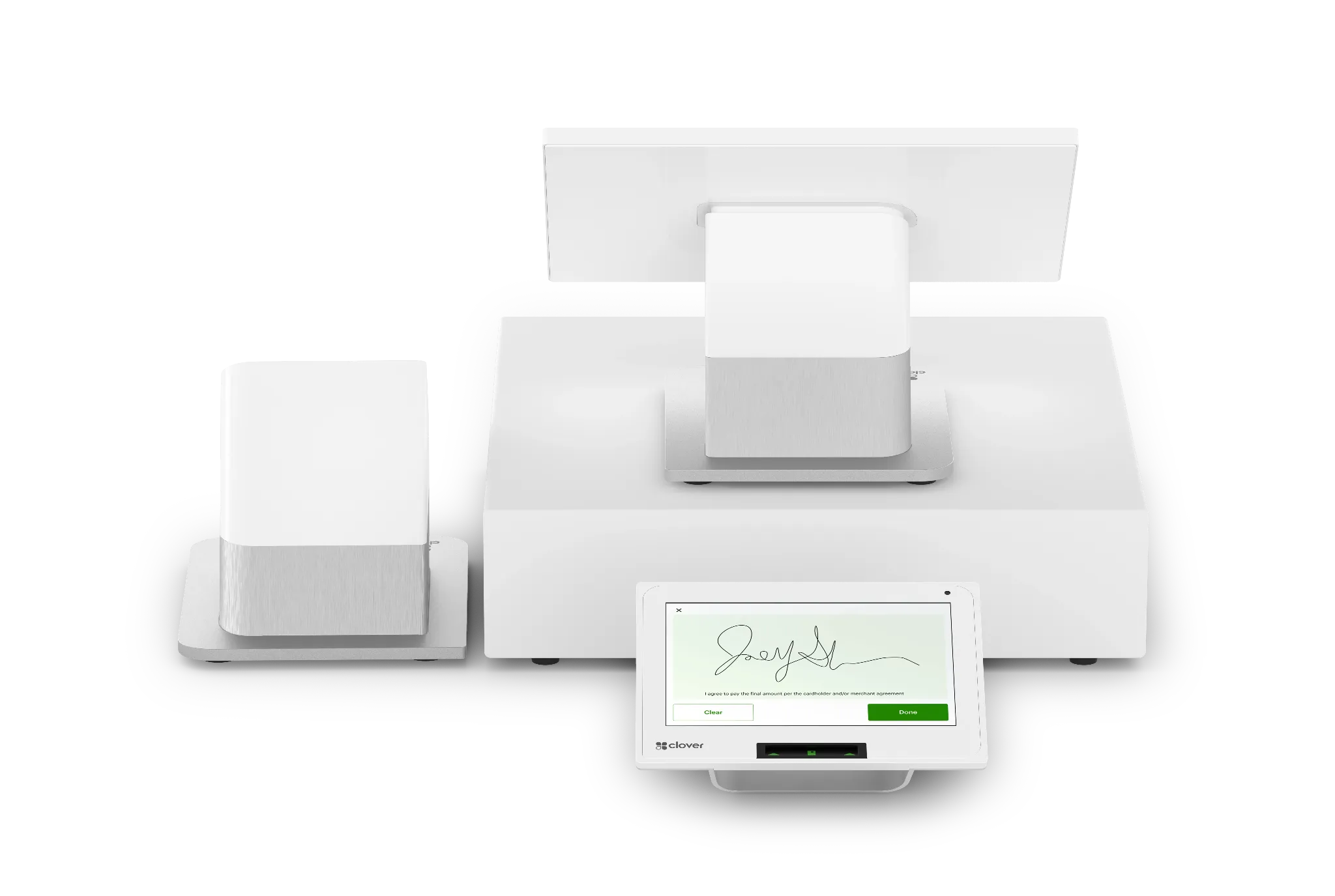
Clover Station Duo 2 countertop POS system
DUO

Station Duo 2

A dual-screen countertop system for businesses that want a dedicated merchant workstation and a separate customer-facing payment experience.

  • Countertop merchant workstation
  • Customer-facing payment display
  • Built for high-traffic checkout workflows
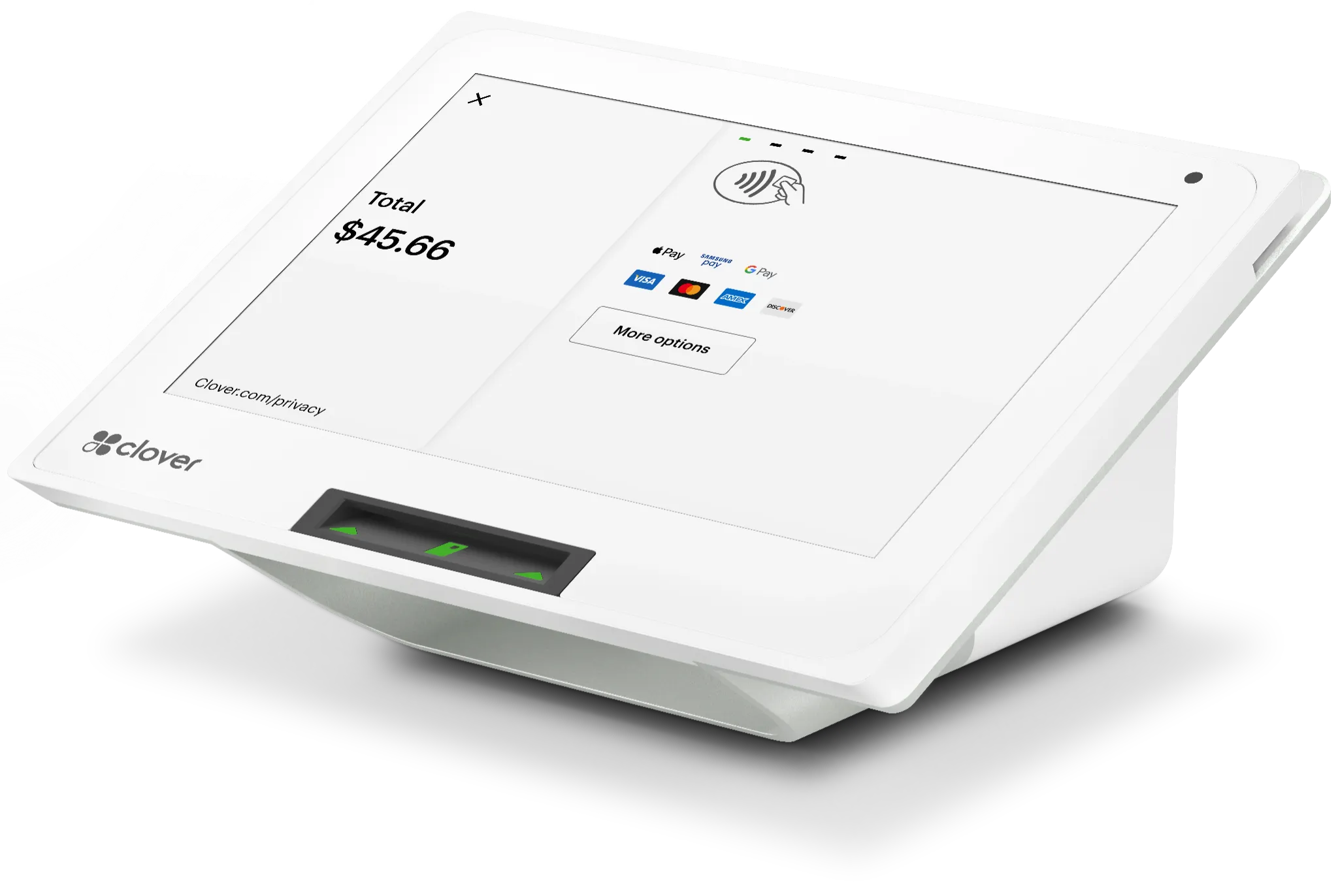
Clover Mini compact countertop point-of-sale device
MINI

Clover Mini

A compact countertop option for businesses that want a smaller footprint while keeping payment and point-of-sale functionality close at hand.

  • Compact countertop design
  • Payment and business apps
  • Good fit for tighter workspaces
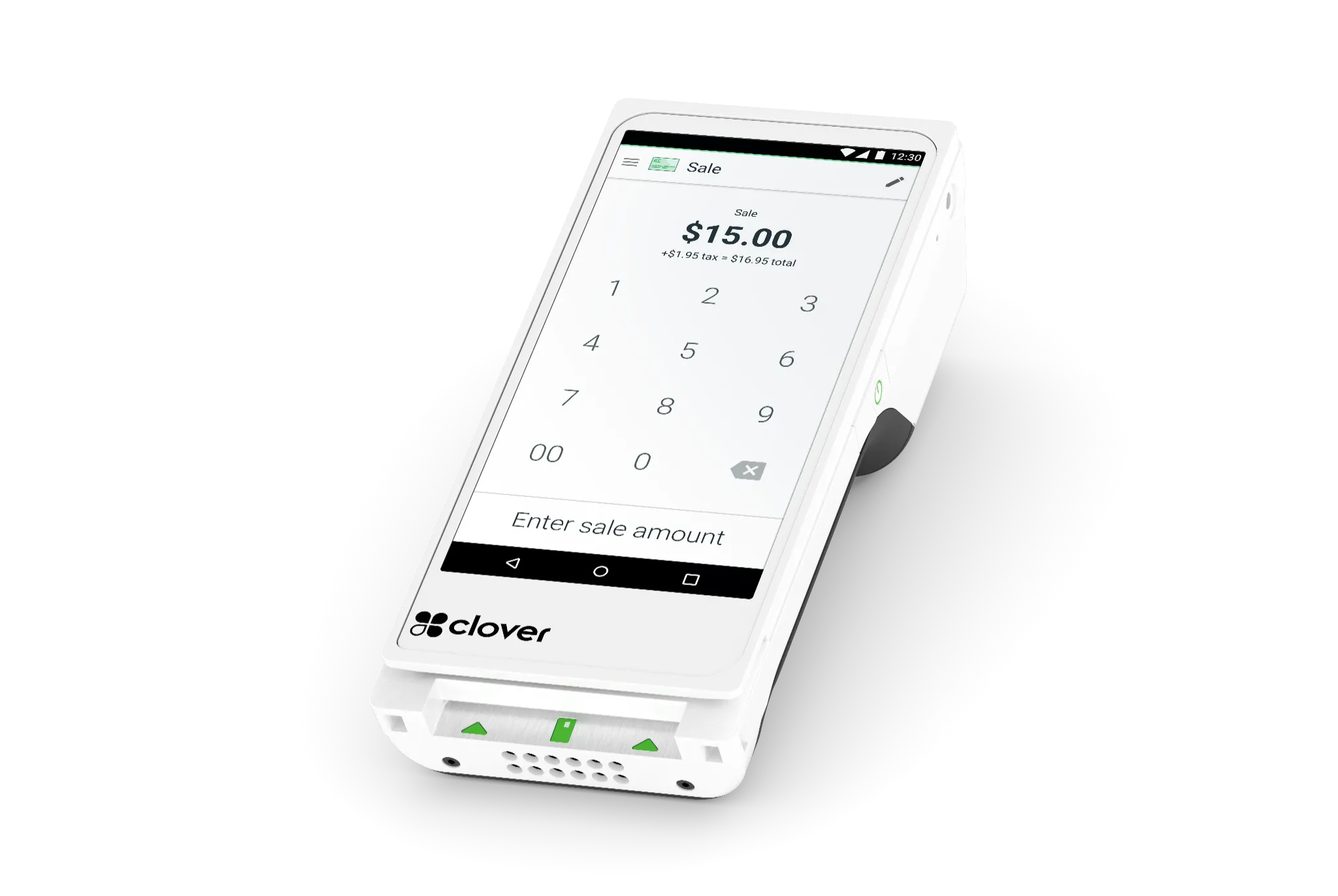
Representative Clover Flex handheld payment device
FLEX

Clover Flex 4

A handheld Clover option for taking payments away from the main counter, including tableside, line-busting and mobile service workflows.

  • Handheld payment acceptance
  • Mobile staff workflows
  • Useful for tableside and line-busting
Representative Clover Flex image shown. Flex 4 appearance may vary until current approved product photography is available.
POS

Additional Clover Options

Depending on the business, a Clover configuration may also include compact, mobile, kitchen-display or other hardware options alongside the primary POS.

  • Additional-device flexibility
  • Restaurant and retail configurations
  • Availability confirmed before ordering

Device availability, features and software plans vary by business type, configuration and account eligibility. We confirm current hardware and plan options before recommending a setup.

More Than a Terminal

Bring payments and day-to-day business tools into the same operating environment.

Clover can combine payment acceptance with business-management capabilities. The exact features available depend on the selected hardware, software plan and apps.

PAYMENTS

In-person and contactless acceptance

Accept common card-present payment methods on compatible Clover devices, including chip, swipe and contactless transactions.

REPORTING

Sales and performance visibility

Use Clover reporting tools to review sales activity, transaction trends and other operating information from the POS environment.

INVENTORY

Inventory and item management

Build item catalogs, track stock and manage products using features appropriate to the selected Clover software plan.

TEAM

Employee management tools

Depending on plan, configure staff access, permissions and business-management tools from the Clover environment.

CUSTOMERS

Customer engagement options

Use supported customer-list, loyalty, gift-card and promotional tools to build repeat-business workflows.

REMOTE

Online, invoicing and Virtual Terminal

Selected configurations can extend payment acceptance beyond the counter with online ordering, Virtual Terminal, invoicing and recurring-payment options.

Business Fit

Clover can be configured differently for different operating models.

The hardware may look similar, but the software, workflows and accessories can change substantially by business type.

Restaurants & Food Service

Counter service, full service and other food businesses can combine order entry, tipping, tableside options, online ordering and restaurant-oriented tools where supported.

Explore Hospitality →

Retail

Build a retail checkout around products, inventory, customer-facing payments, reporting and compatible accessories such as scanners and printers.

Explore Industries →

Service Businesses

Use Clover for appointment-oriented, countertop or mobile service workflows with payment, invoicing and customer-management options depending on plan.

Find Your Fit →

Selective Pay + Clover

The POS matters. The setup around it matters just as much.

We look beyond the device itself—processing costs, software plan, number of stations, mobility, online acceptance, staff workflow and support all affect whether a Clover configuration works well after installation.

What we review before recommending Clover

  • 1Business type and checkout flow
    Counter service, full service, retail, appointments, mobile or a mix.
  • 2Hardware footprint
    Number of stations, handheld devices, customer displays and accessories.
  • 3Payment mix and pricing
    Card-present, keyed, online, debit, tips and other transaction patterns.
  • 4Software and integration needs
    Inventory, accounting, online ordering, employee tools and third-party apps.
  • 5Migration and support requirements
    Training, installation, existing hardware eligibility and ongoing account support.

Implementation

A clearer path from POS review to go-live.

We confirm the configuration before equipment is ordered so the merchant understands the hardware, software, processing and support model.

01

Review

We look at your current POS, payment statement, sales channels, locations and operating requirements.

02

Configure

We recommend the Clover device mix, software plan and payment setup that best fits the workflow.

03

Implement

After underwriting and approval, we coordinate equipment, account setup, testing and training.

04

Support

Selective Pay remains involved after go-live to help with payment, equipment and account questions.

Clover POS FAQs

Questions to answer before choosing the system.

Which Clover POS systems can Selective Pay help configure?

We can help evaluate Clover countertop, handheld and mobile options, including configurations built around Station Duo 2, Mini, Flex 4 and other current Clover devices. Final availability depends on business type, selected software plan, processing setup and underwriting.

Can Clover accept contactless and mobile wallet payments?

Compatible Clover devices support common card-present methods including chip, swipe and contactless payments. Supported mobile-wallet options depend on the device and payment configuration.

Can Clover support online, invoice or recurring payments?

Depending on the selected Clover plan and configuration, businesses can add options such as online ordering, Virtual Terminal, invoicing and recurring-payment workflows.

Can I use existing Clover equipment if I change my payment setup?

Sometimes, but compatibility is not automatic. We confirm hardware ownership, device eligibility, account status and processing requirements before recommending a migration or reconfiguration.

How much does Clover cost?

Costs vary based on hardware, software plan, business type, processing configuration and any optional apps or services. We review the complete cost structure rather than quoting a device price without the rest of the setup.

Clover POS Consultation

Find the Clover configuration that fits before you order equipment.

Tell us how your business accepts payments today and what you need the POS to do. We will review the device mix, software, processing and migration considerations with you.